What is officially confirmed?
Use a controller if possible. The Steam feature record lists full controller support, Gamepad Recommended, DualShock and DualSense support, plus a keyboard-only option on PC.
The control model to learn first
| System | What to watch |
|---|---|
| Speed and drift | Trigger timing matters. A first-hand review reports holding the left trigger and releasing when the meter centers in green for a strong boost. |
| Track position | Read parallel rails early and make one deliberate lane change rather than correcting repeatedly at speed. |
| Aerial tricks | Learn one clean jump-and-land sequence before trying to chain score moves. |
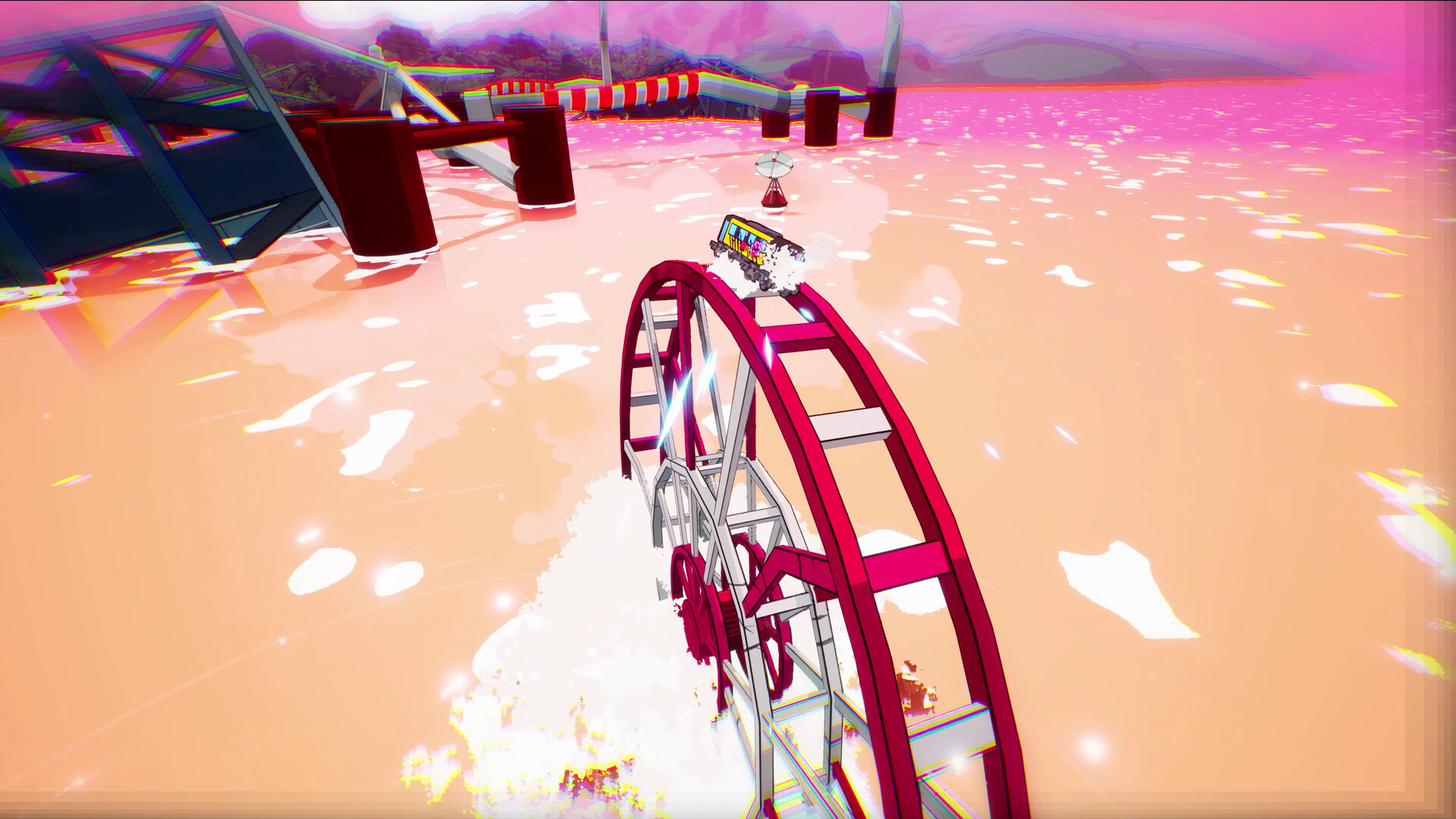
| Accessibility | Camera shake, bloom, blur, chromatic aberration and speed lines can be adjusted in the launch settings. |
Why this page does not print every button
Labels differ across Xbox, PlayStation, Switch and keyboard layouts, and remapping can change them. Open the in-game Controls screen for the exact platform binding; use the table above to understand the mechanic behind it.
- Start in the tutorial with effects turned down if speed lines hide rail cues.
- Practice boost timing on a safe straight before combining it with tricks.
- Confirm your current bindings after changing controller presets.
Check the official Steam input features.
Source boundary: Controller support and accessibility features come from official launch material. The green-meter boost cue comes from a first-hand TechRadar play report checked July 18, 2026.